Instock Kiosk
Led the design of FBA inbound and in-stock tools for Amazon FBA sellers (2014-2016)
Addressed the complexity of selling on Amazon by improving Seller Central tools, a critical business hub for millions of sellers.
Process: Audit of existing Experience | Design Workshop | CXBR Review | Wrote User Stories | Swim Lane Diagram | UX Design | Clickable Prototype
Role: UX Designer working with Senior Design Manager & 2 Senior PMs.
Timeframe: 6 Weeks ( In-stock Kiosk Dashboard and Purchase Order Request flow)
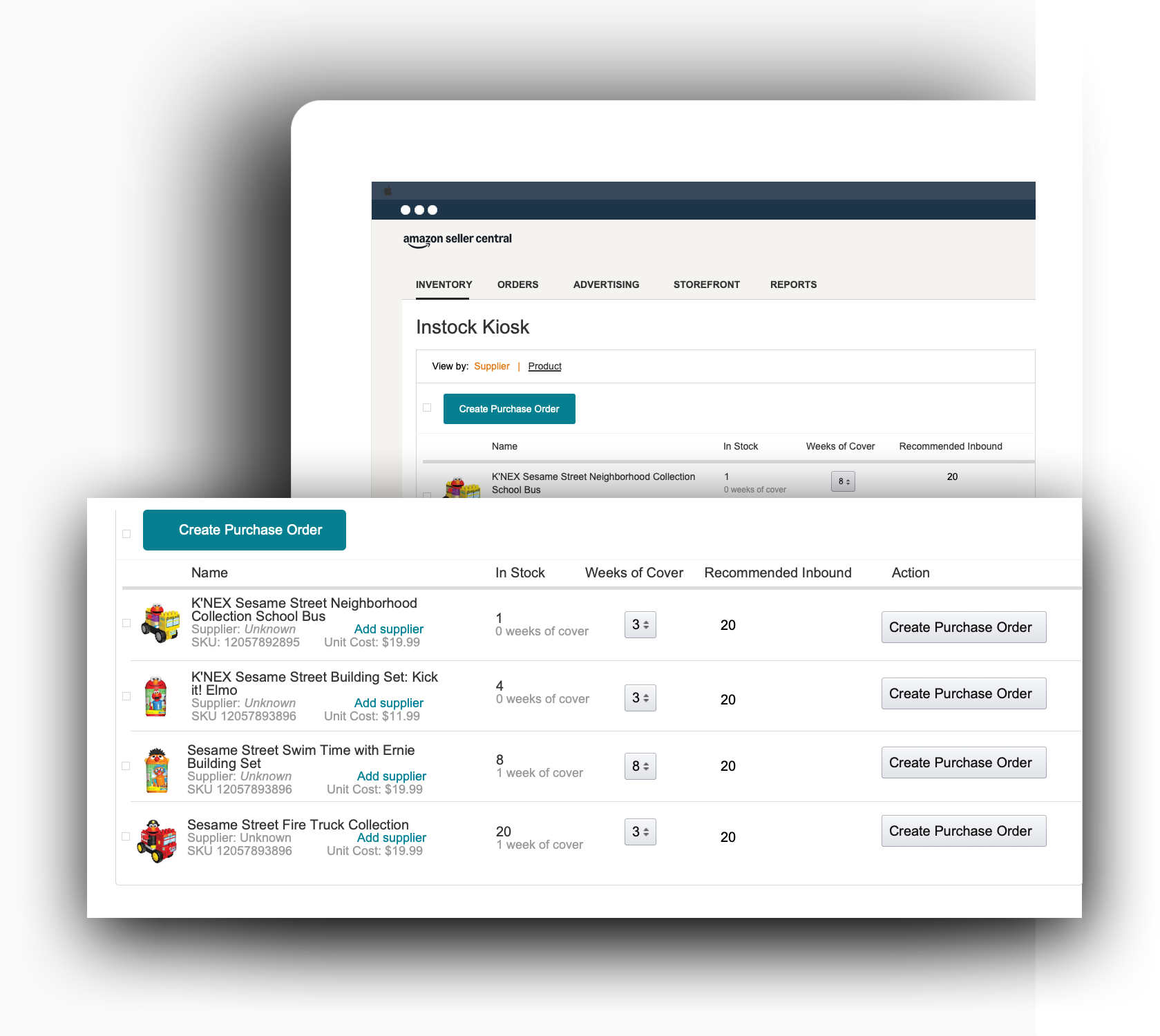

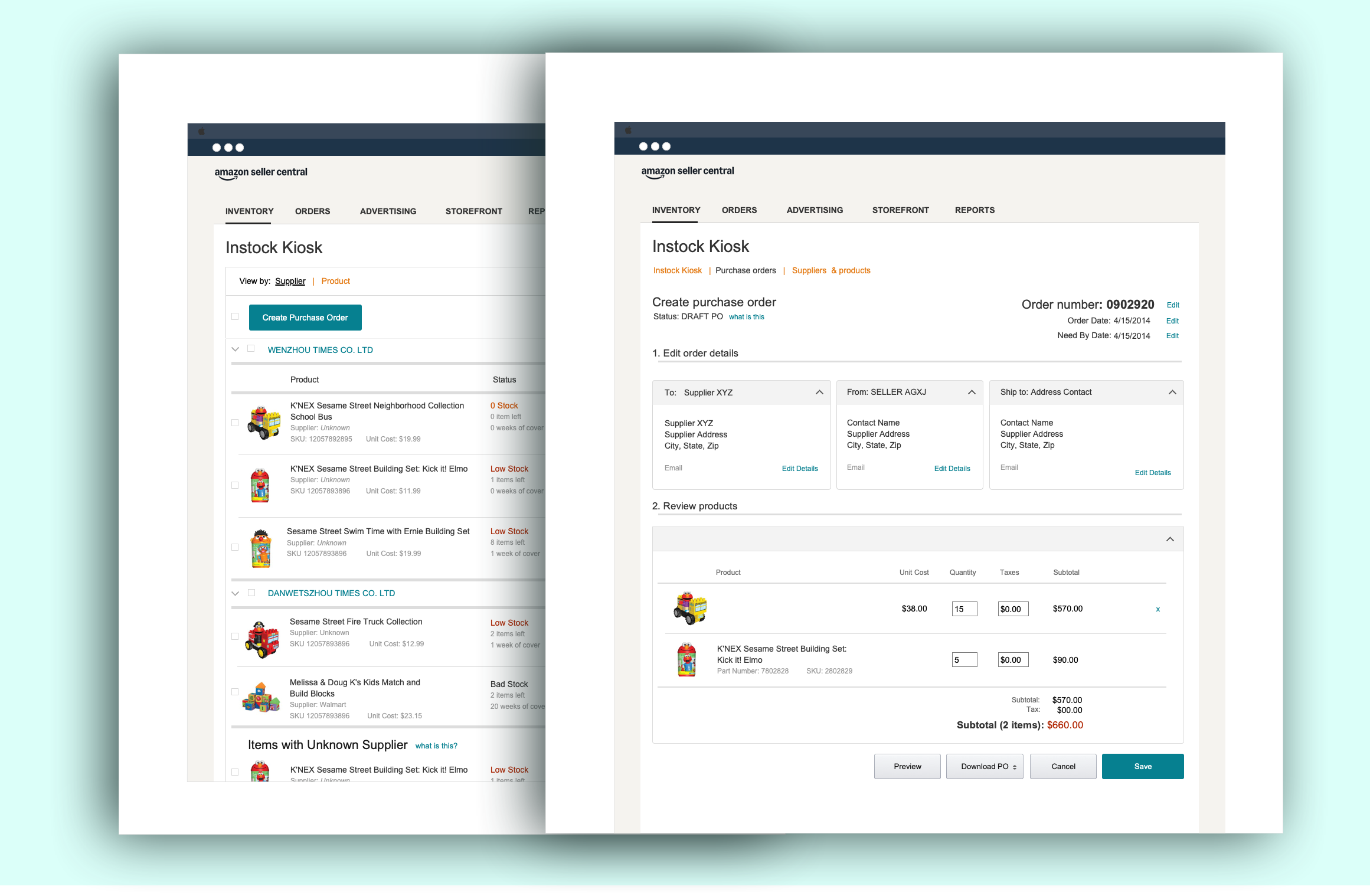
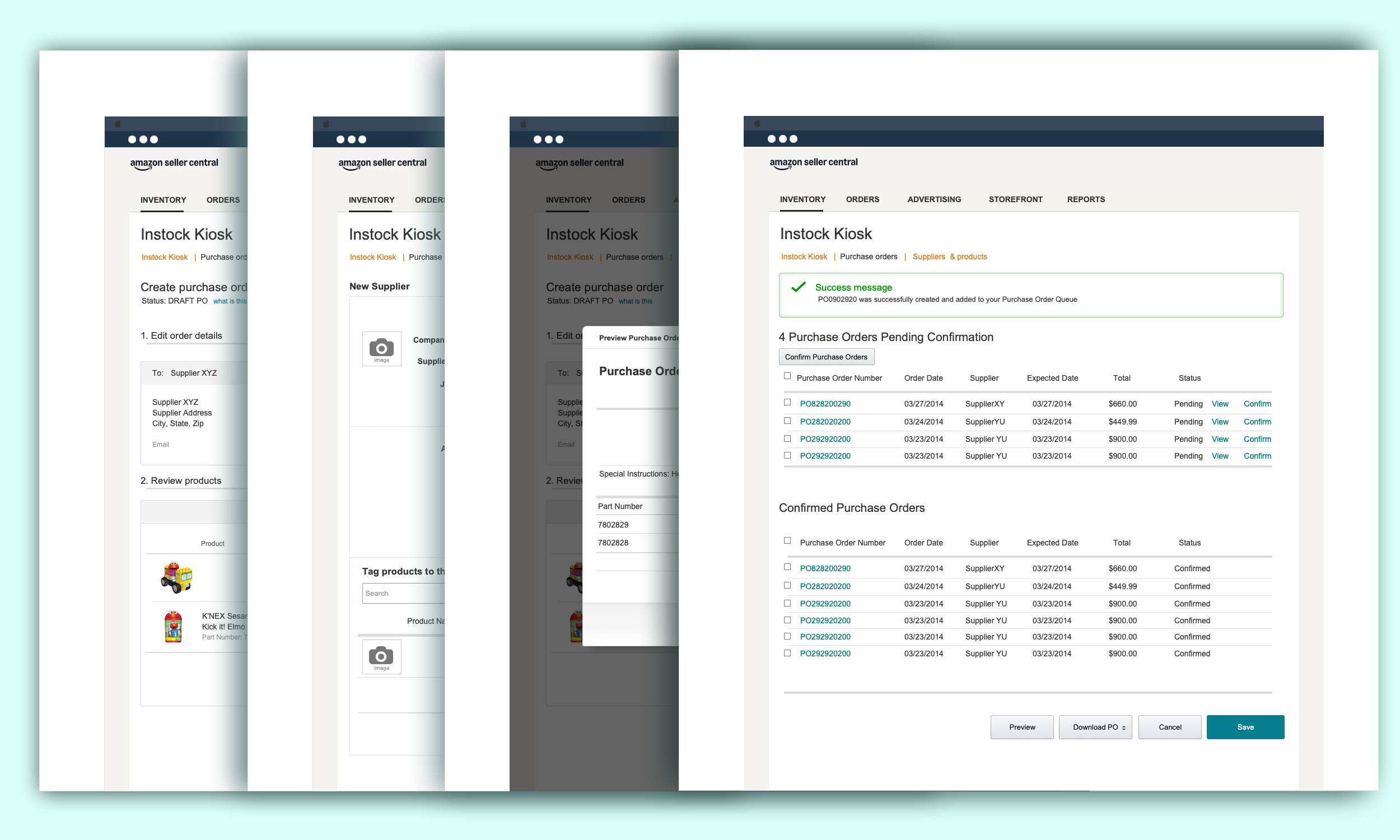
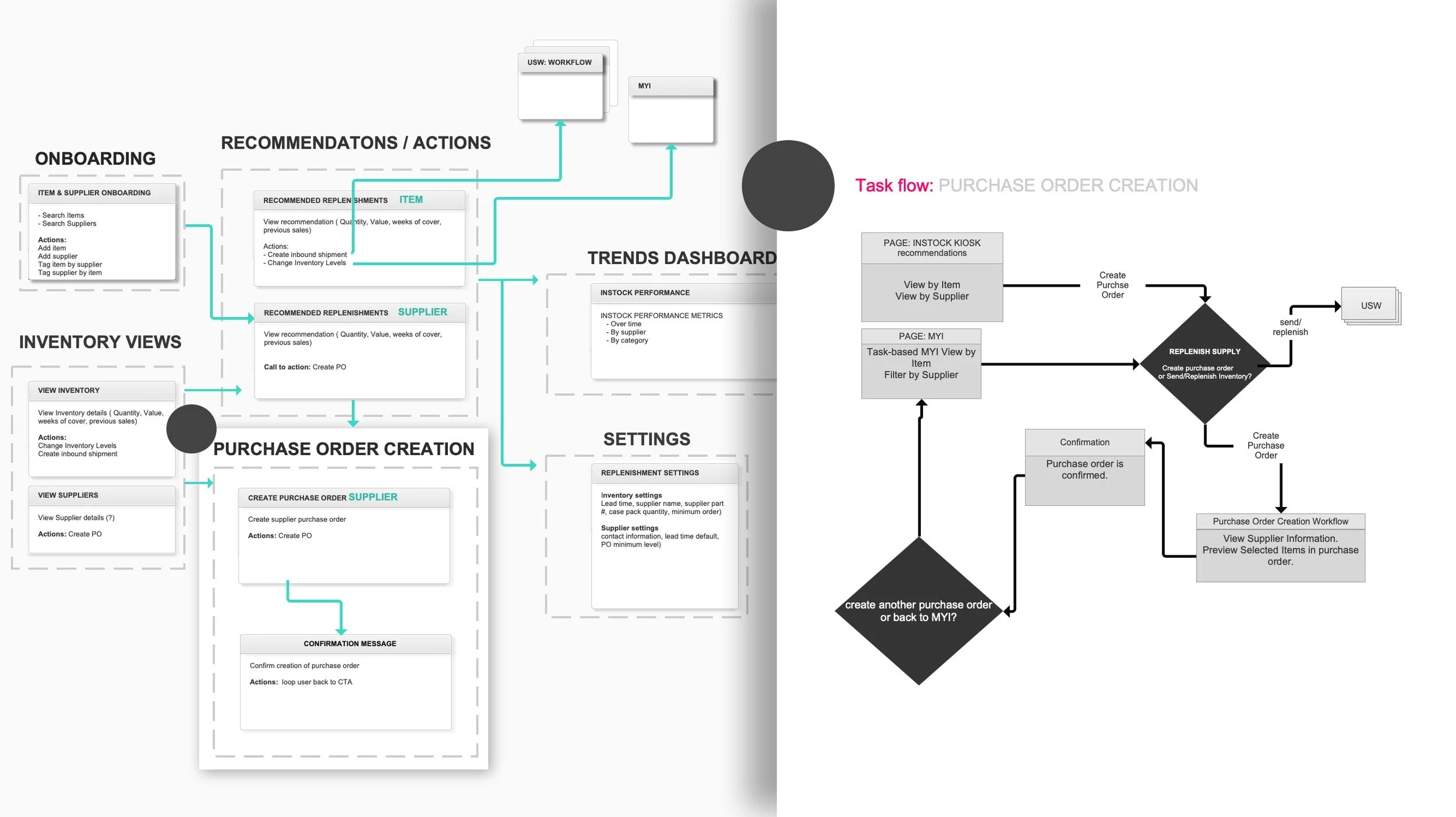
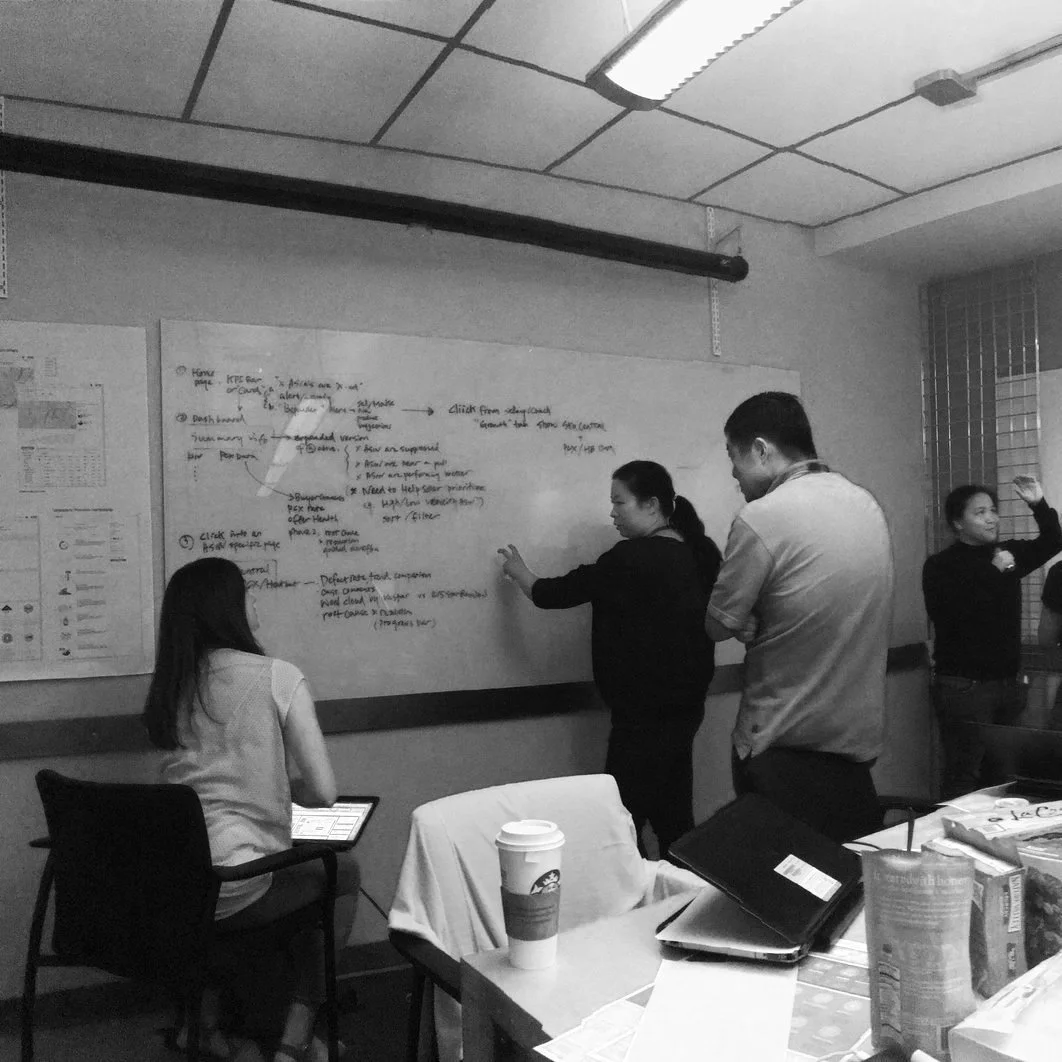
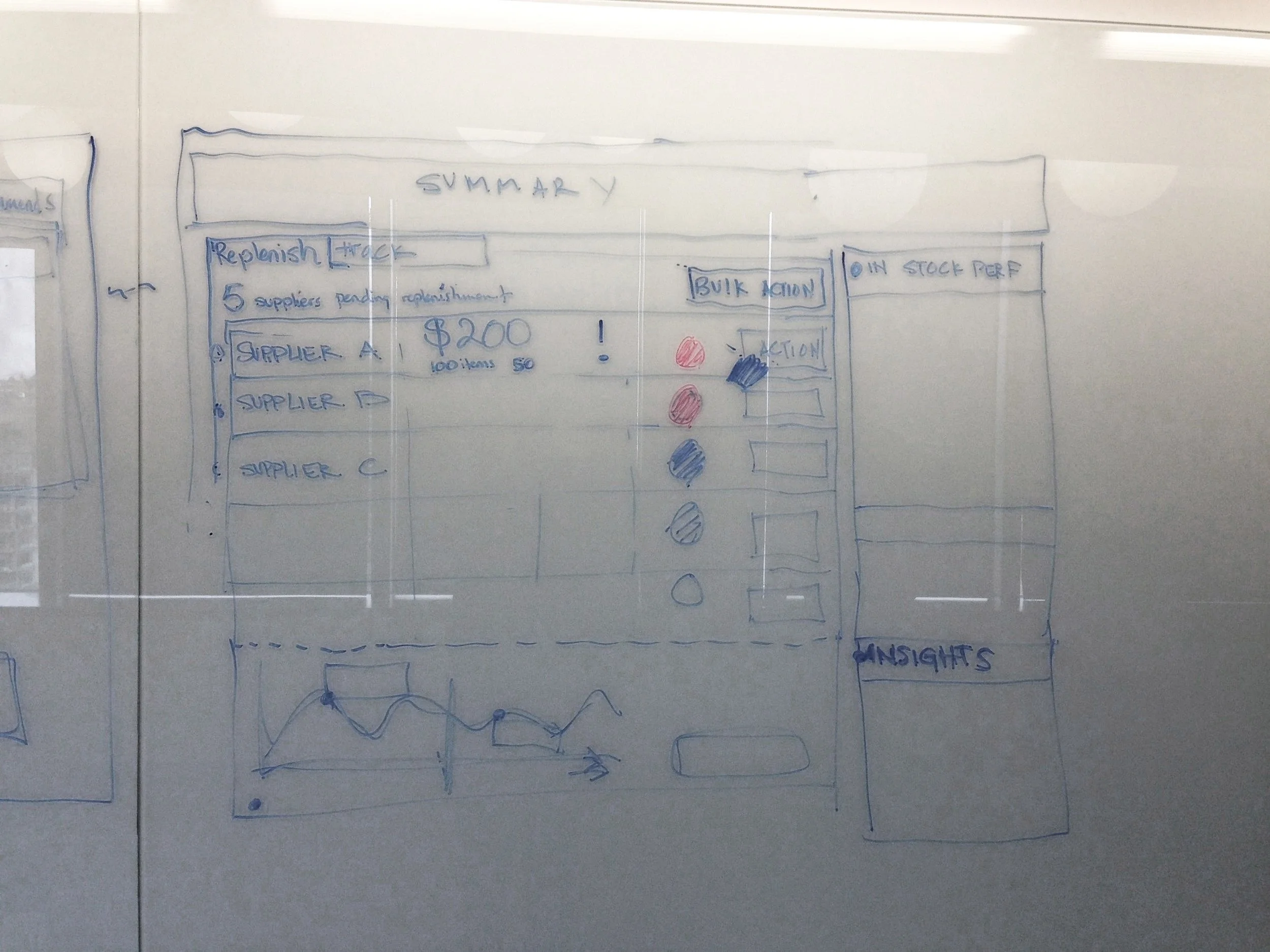
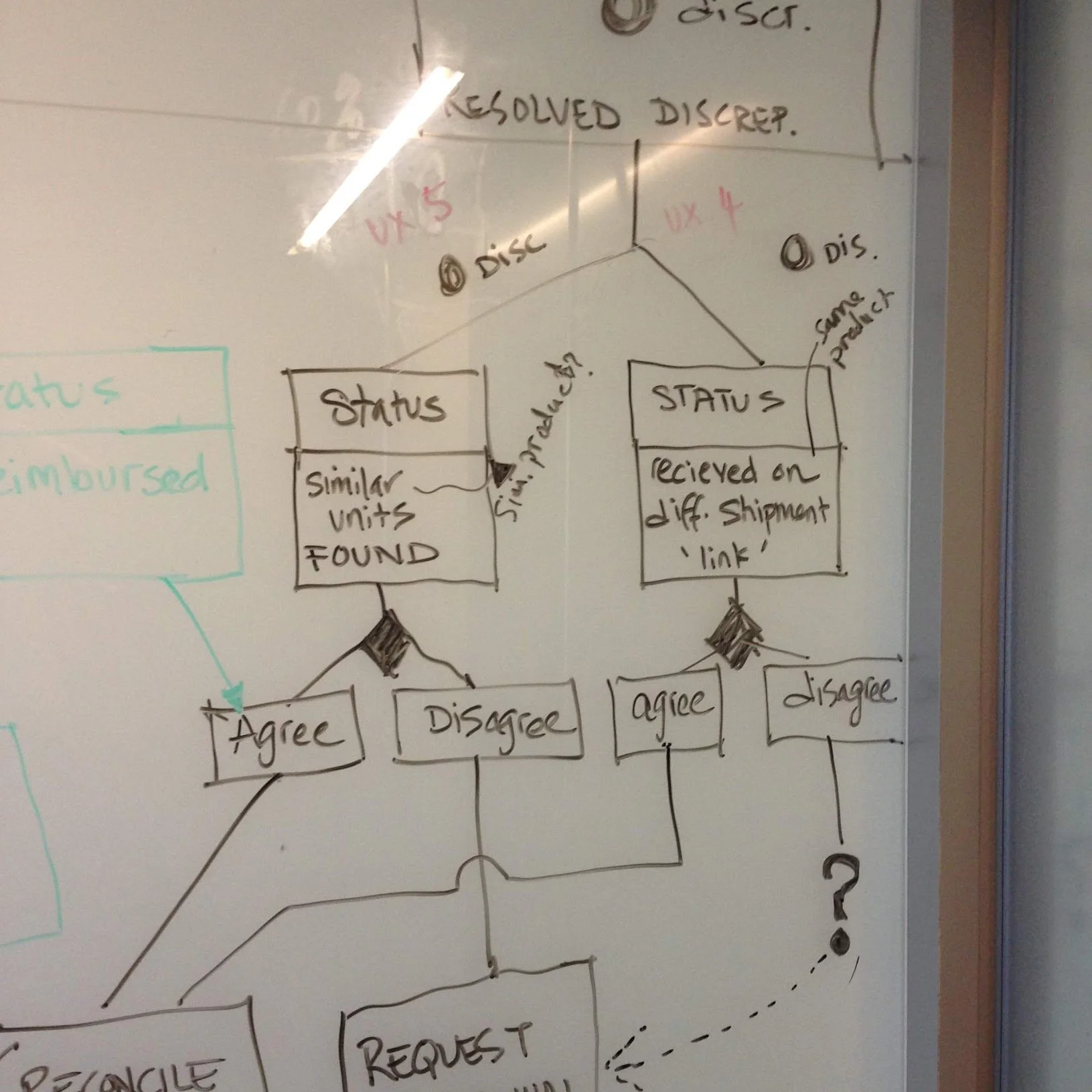
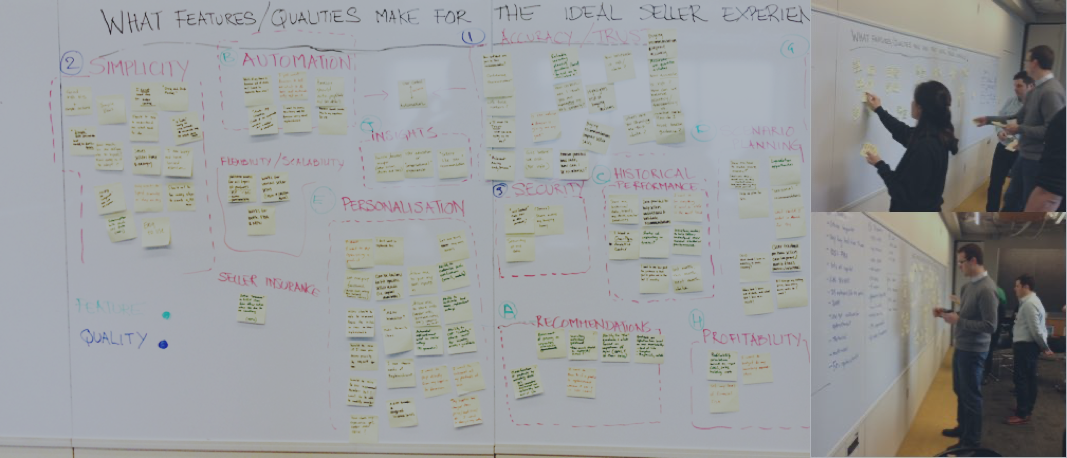
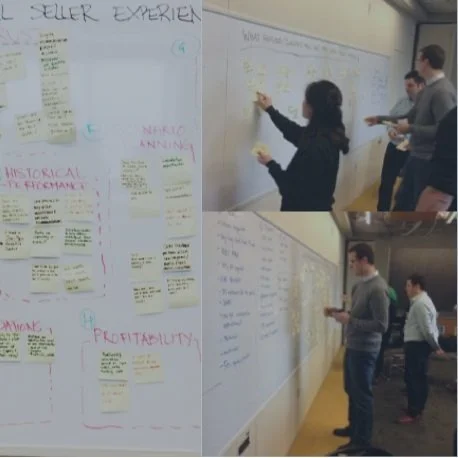
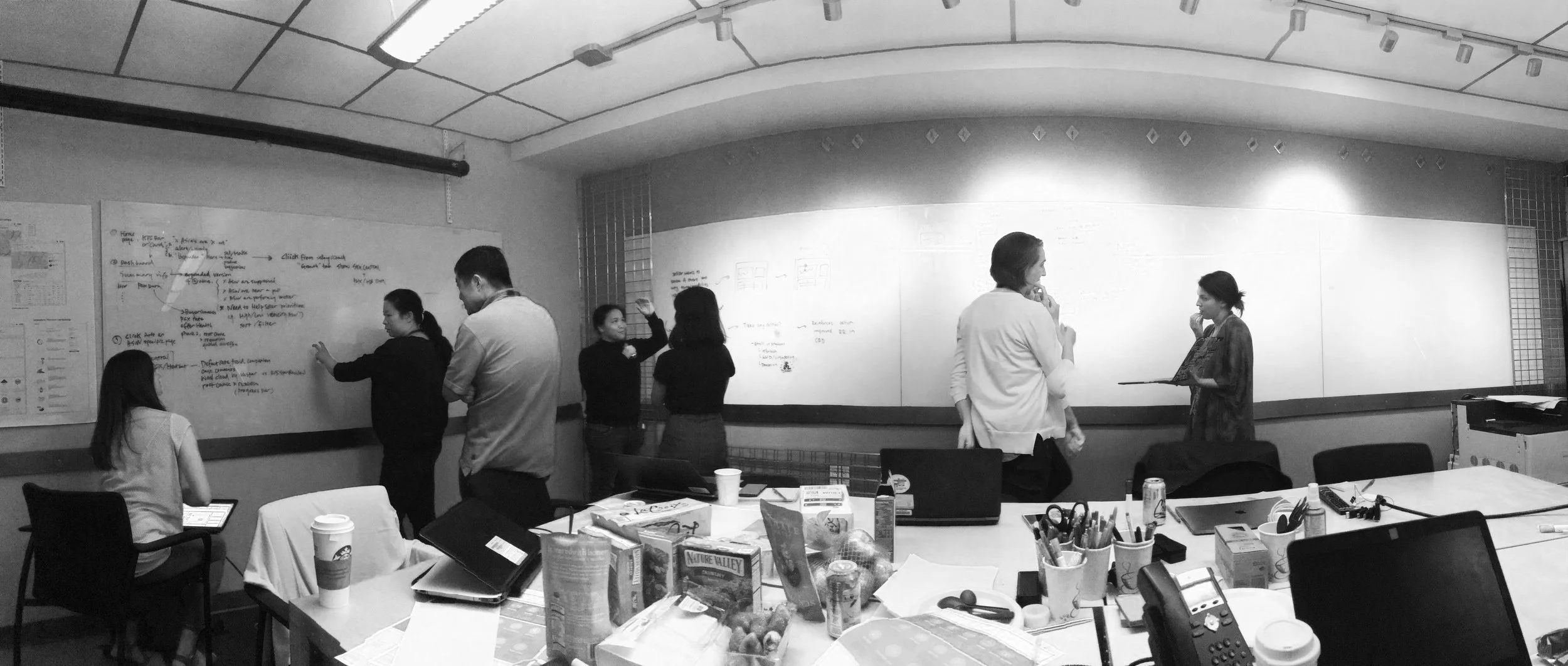
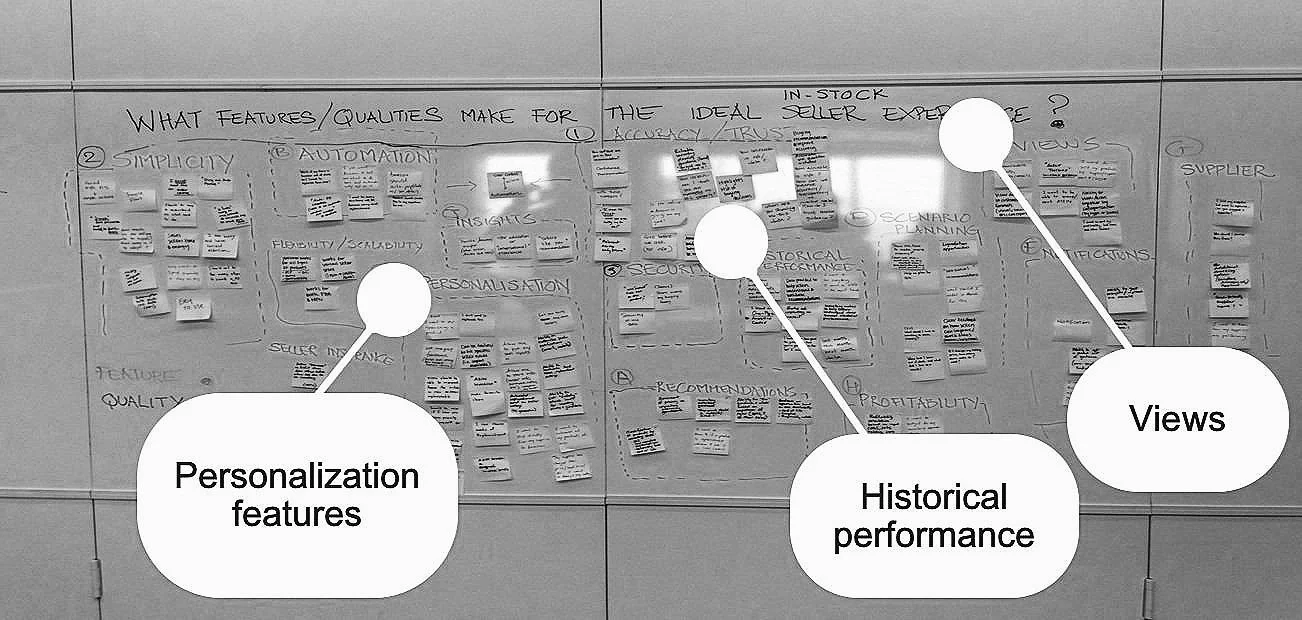
Design directions
-
Option 1 - Standalone Standalone Paid Service – One Stop Shop
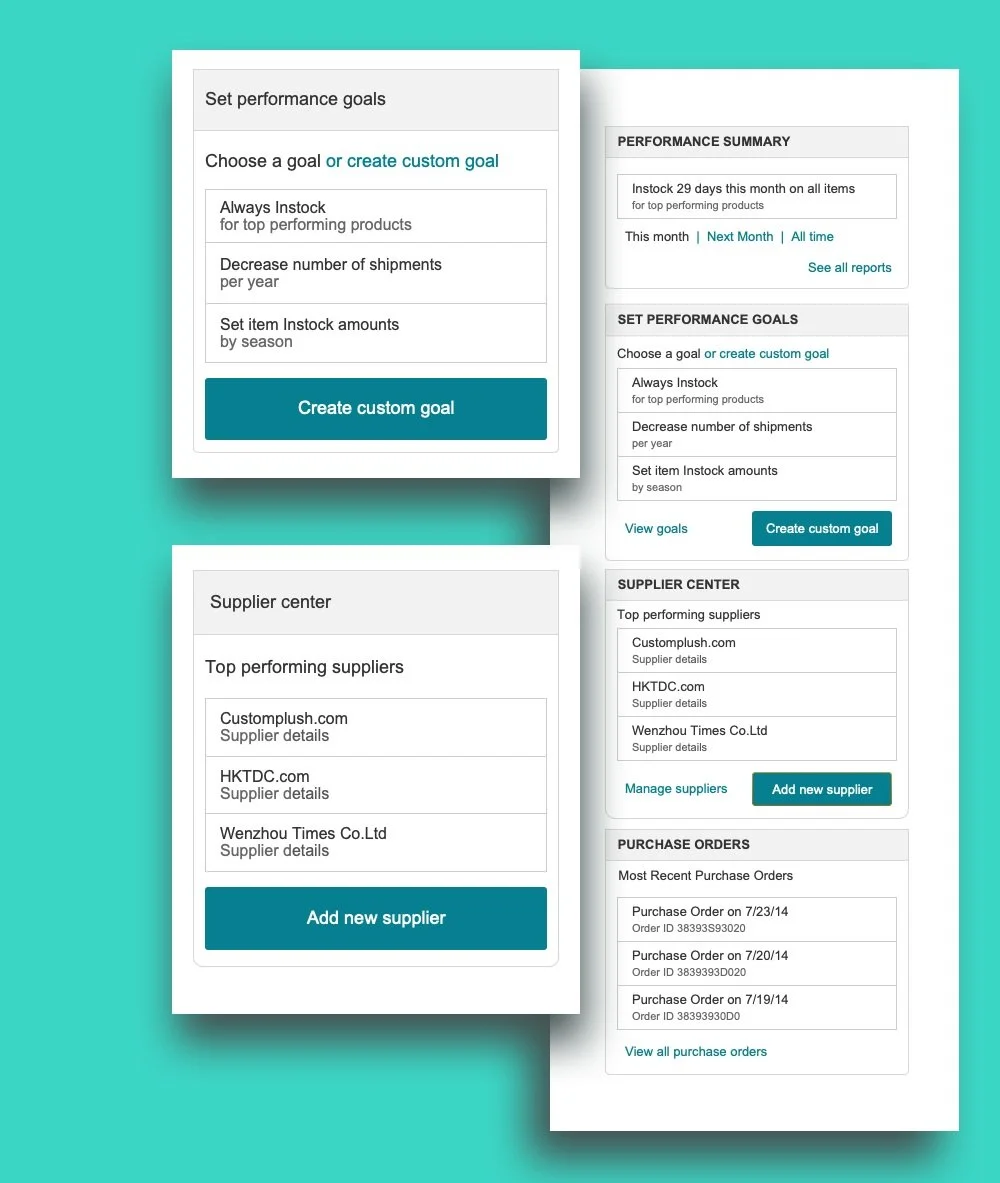
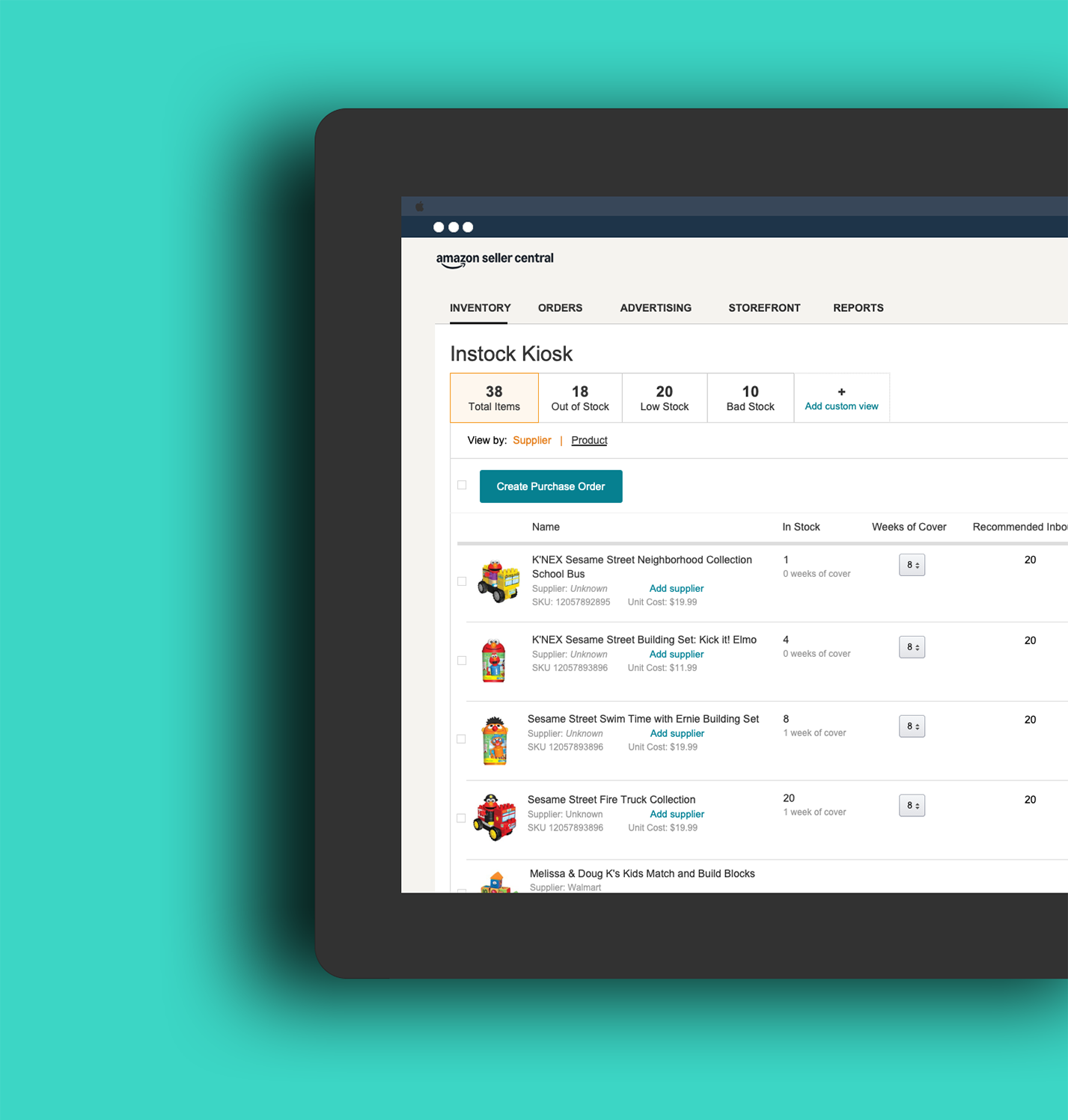
New “In stock Kiosk” (Brand name T.B.D) paid service available for pro sellers with access points independent of other Seller Central pages. Once the user has access to In stock kiosk, they are able to manage their Inventory levels from one central location. Inside “In stock Kiosk”, a user can navigate to various sub-sections including their in stock dashboard (in stock performance reports), their local in stock settings, insights and recommendations on their current inventory levels, Supplier on boarding and management tools, etc. In stock kiosk is designed to be task-centered, keeping the end-users’ top priority actions in mind. Information is presented in a way that supports users actions and streamlines their current workflow in understanding and managing their inventory levels.
Key attributes & Integration points
• Summary from In stock Kiosk can be surfaced to the gateway.
• Business reports – Will not affect business reports, since a local dashboard is offered.
• Account Settings – Will not affect Account Settings, since local settings are offered and managed through in stock kiosk.
• USW
• Selling Coach
• MYI
-
Option 2 Fully Integrated Experience
“In stock” Features are integrated within seller central in a way that supports current user tasks and workflows. When a seller is managing their Inventory (in MYI), eligible sellers will now be able to view “In stock” recommendations within the MYI workflow. If sellers navigate to Business reports or Selling Coach, Insights from In stock will be visible there. To change In stock settings, users will navigate to Account settings to customize their In stock recommendation settings across seller central.
Key attributes & Integration points
• Recommendations in MYI filtered views
• The Gateway page will surface Selling Coach insights including new In stock Recommendations.
• Account Settings will host In stock recommendation settings.
-
Option 3 - A new Selling Coach Experience
New “In stock Kiosk” (Brand name T.B.D) paid service available for pro sellers with access points independent of other Seller Central pages. Once the user has access to In stock kiosk, they are able to manage their Inventory levels from one central location. Inside “In stock Kiosk”, a user can navigate to various sub-sections including their In stock dashboard (In stock performance reports), their local In stock settings, insights and recommendations on their current inventory levels, Supplier on boarding and management tools, etc.
In stock kiosk is designed to be task-centered, keeping the end-users’ top priority actions in mind. Information is presented in a way that supports users actions and streamlines their current workflow in understanding and managing their inventory levels.
Key attributes & Integration points:
• MYI -
• Gateway - Amazon Selling coach low inventory Alerts.
• USW -
• Business reports -
• Account Settings -
User Stories
-
![]()
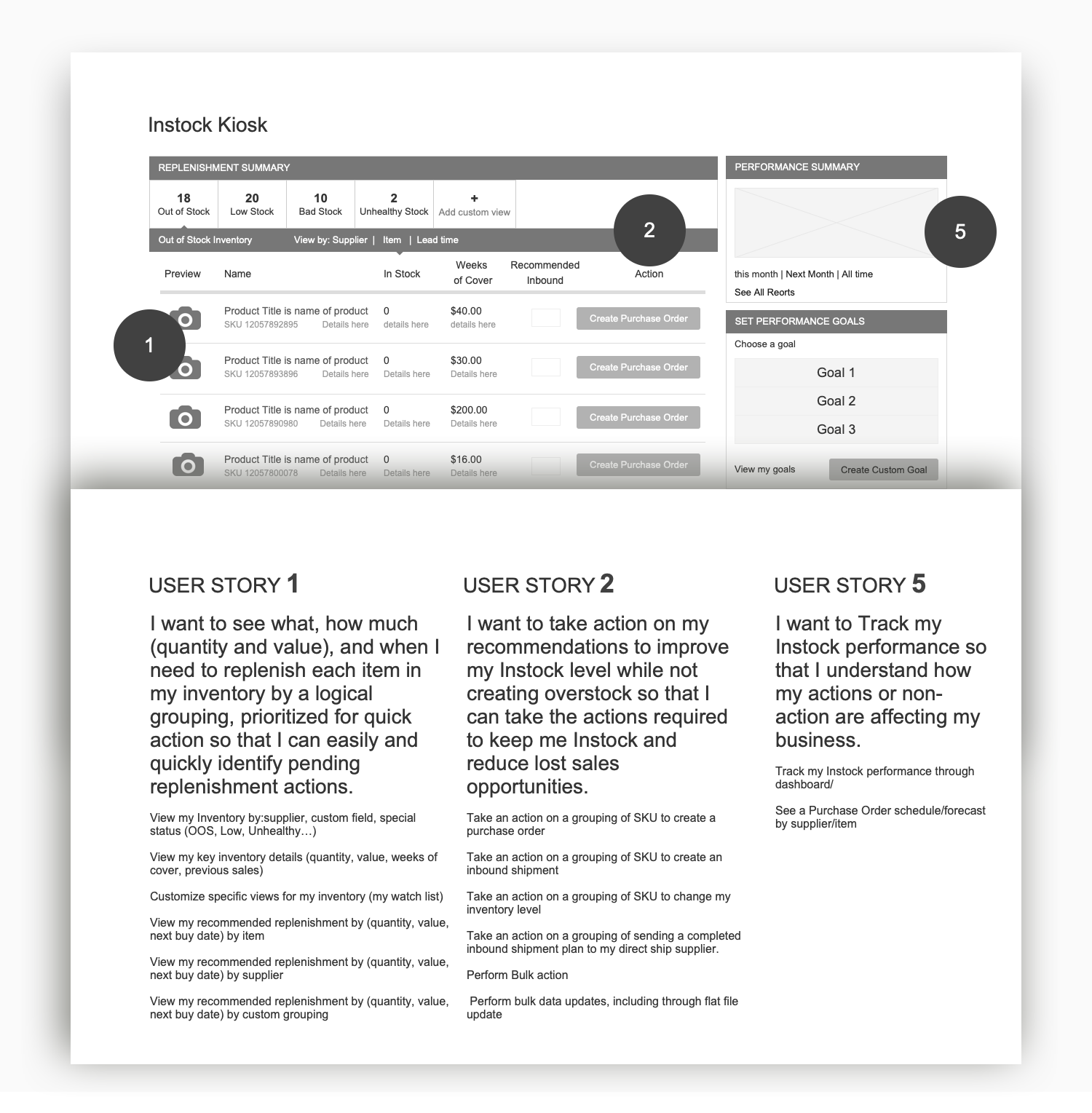
I want to see what, how much (quantity and value), and when I need to replenish each item in my inventory by a logical grouping, prioritized for quick action so that I can easily and quickly identify pending replenishment actions. • View my Inventory by:supplier, custom field, special status (OOS, Low, Unhealthy…) • View my key inventory details (quantity, value, weeks of cover, previous sales) • Customize specific views for my inventory (my watch list) • View my recommended replenishment by (quantity, value, next buy date) by item • View my recommended replenishment by (quantity, value, next buy date) by supplier • View my recommended replenishment by (quantity, value, next buy date) by custom grouping • View my recommended replenishment by (quantity, value, next buy date) by confidence level • View my actions by order of priority
Amazon FBA Seller
-
![]()
I want to take action on my recommendations to improve my Instock level while not creating overstock so that I can take the actions required to keep me Instock and reduce lost sales opportunities. • Take an action on a grouping of SKU to create a purchase order • Take an action on a grouping of SKU to create an inbound shipment • Take an action on a grouping of SKU to change my inventory level • Take an action on a grouping of sending a completed inbound shipment plan to my direct ship supplier. • Perform Bulk action • Perform bulk data updates, including through flat file update
Amazon FBA Seller
-
![]()
I want to customize the creation and export/sending of my replenishment order so that I can process the actions in a way that fits my business. • Add other inventory to a purchase order or inbound shipment • Print and export Supplier Purchase order • Send purchase order automatically
FBA Seller
-
![]()
I want to easily set-up and configure my items and item groupings, so that my recommendations are relevant to my actual replenishment needs. • Configure my replenishment setting for my inventory (lead time, supplier name, supplier part #, case pack quantity, minimum order) • Configure my replenishment setting for my supplier (contact info, lead time default, PO minimum level, etc.) • Configure my inventory and supplier inline when I perform action on it • Amazon to prepopulate my item configurations with recommendation when possible (replenishability, lead time, et.) • Approve/Override Amazon recommendations • Onboard my items/suppliers in as few steps as possible • Amazon recommends items to include in the onboarding
FBA Seller



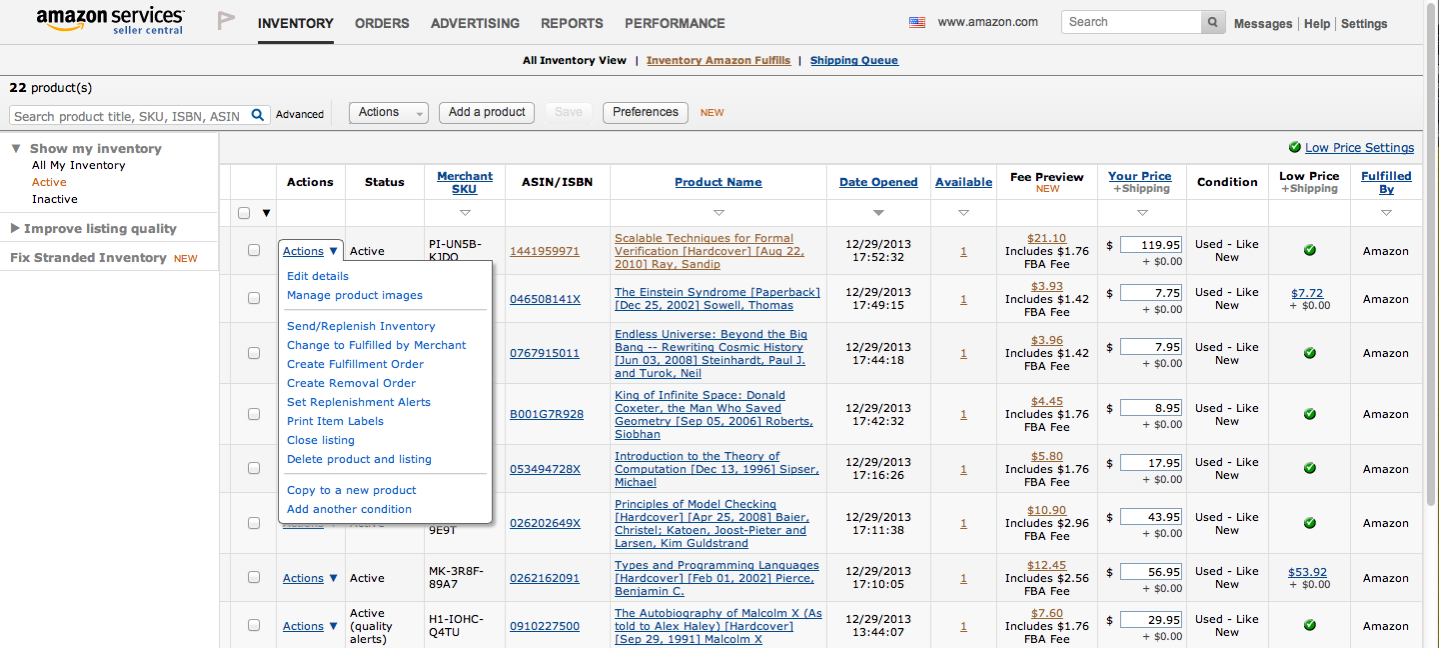
Existing experience
While In-stock Kiosk was a brand new concept, I had to work within seller Central’s existing experience .The designs were presented at an internal CXBR (UX Bar Raiser Panel)